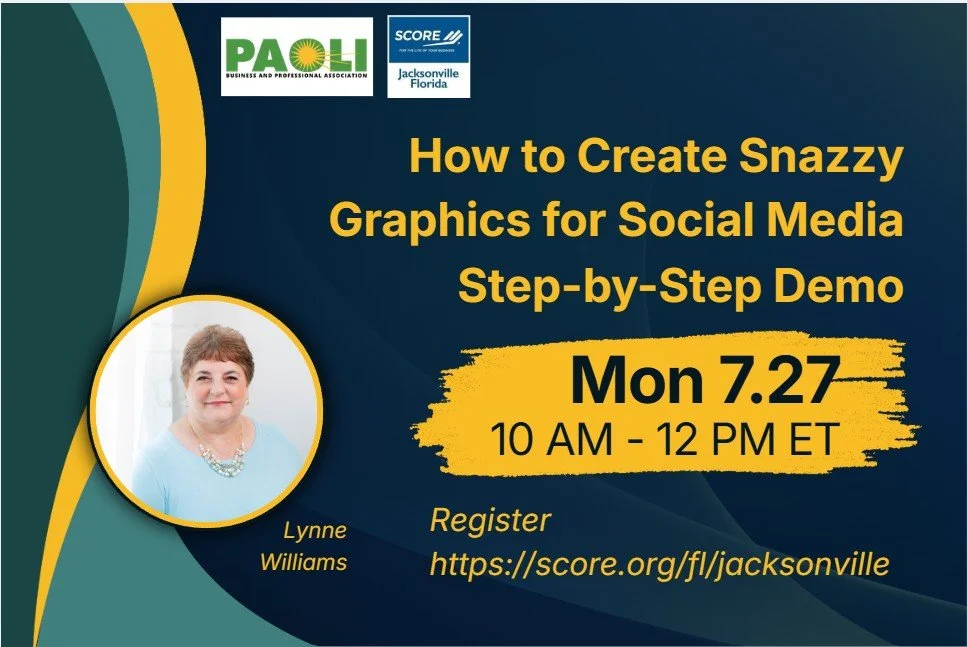
How to Create Snazzy Graphics for Social Media Step-by-Step Demo
Registration Link: https://www.score.org/fl/jacksonville/business-education/how-to-create-snazzy-graphics-for-social-media-step-by-step-demo/
Join PBPA Board member, Lynne Williams, at SCORE Silicon Valley for this presentation and demos.
This workshop will offer step-by-step demos of tools you can use to create banner images, social media images, blog post images, presentation slides, videos, and more.
Do you need a banner image, an image for social media, a blog post, a presentation, or a video?
Are you familiar with Canva, GoDaddy Studio, Snappa, Picktochart, or WordArt?
Do you know where you can get images that do not violate copyright laws?
Canva.com is a graphic design tool you can use for social media, personal, business, marketing, education, and more. There are so many templates available, and with too many to list, take a peek yourself! https://www.canva.com/templates/
Join us to learn more! We will allow time for Q&A.
SPEAKER BIO
Lynne Williams is the Executive Director of the Great Careers Network, which provides online career development and networking for career transition (job seekers) and career management (employed and self-employed). Lynne writes resumes, LinkedIn profiles, and LinkedIn company pages, with a focus on keywords under Career News Today LLC.
SPEAKER CONTACT INFO
Lynne Williams
ATS Resumes, LinkedIn Profiles, & Keywords
LinkedIn Profile: https://www.linkedin.com/in/lynnewilliams
Linktree: https://linktr.ee/lynnewilliams
Email: lynne@careernews.today